01 / Start with a plan
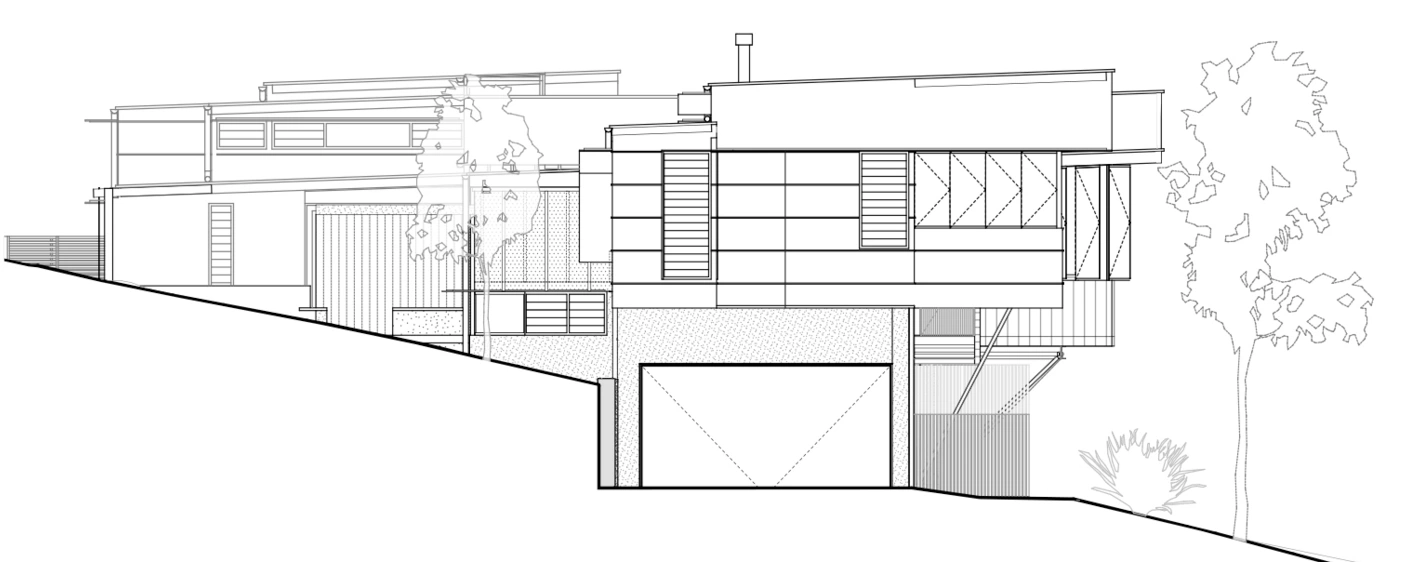
Your drawing is enough.
Upload an elevation, sketch or floor plan. Create a photorealistic concept without building a 3D model first.
 ISKRA LABS

A clearer picture of what’s possible
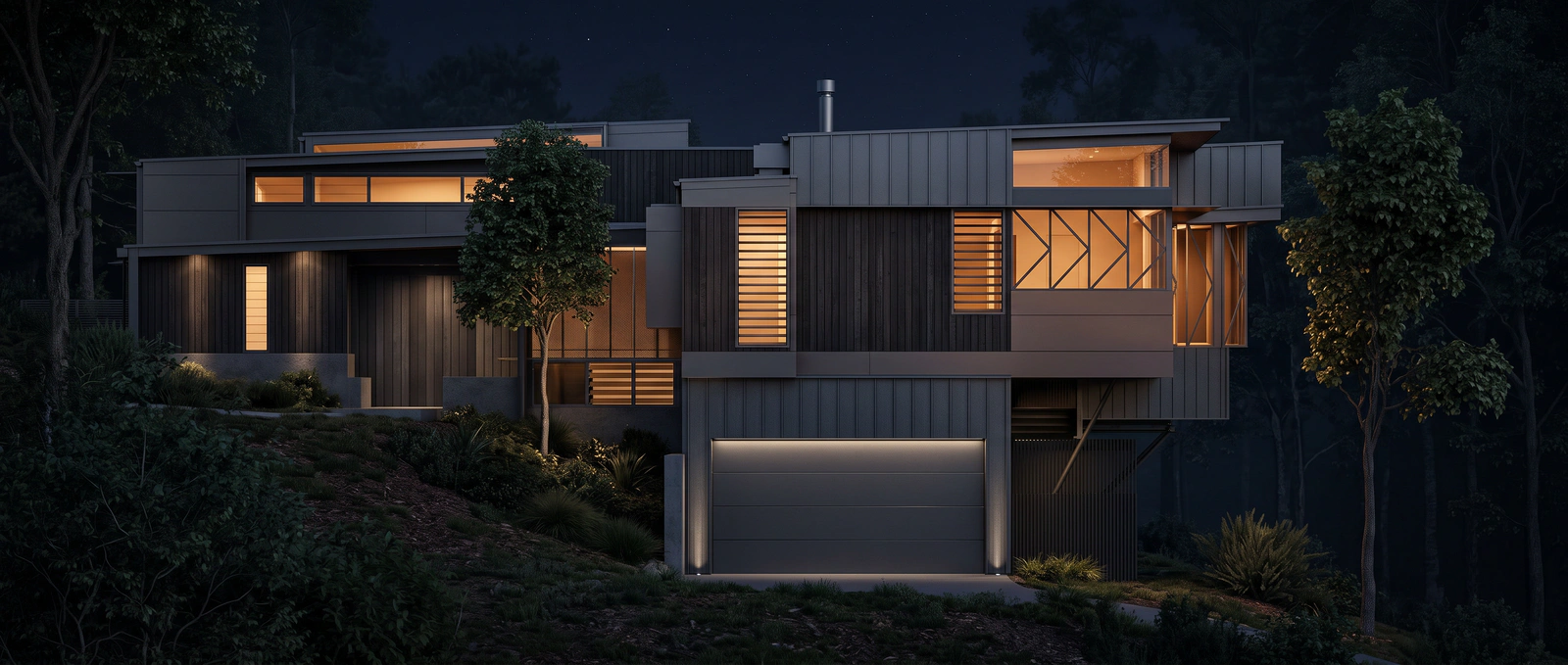
Turn architectural drawings and floor plans into visuals clients can understand. Explore materials, lighting and design ideas, right in your browser.
From first idea to a clearer direction
01 / Start with a plan
Upload an elevation, sketch or floor plan. Create a photorealistic concept without building a 3D model first.
02 / Explore the possibilities
Try different materials, settings and lighting. Turn a floor plan into a furnished visual that makes the space easier to imagine.
03 / Make it your own
Mark an area to change, describe your idea or add a reference image. Refine the concept as the design takes shape.
A little help getting started
For architects, building designers, builders and anyone helping a client picture a space.
Create a VividPlan account, upload your drawing and choose a visual direction. Once you have a result, use annotations or a reference image to explore changes.
Start with a sketch, elevation or floor plan in JPG, PNG or PDF format. If you upload a PDF, choose the page you want to work with.
No. VividPlan works in your browser, starting with the drawings you already have. You do not need a 3D model or rendering software to create a concept visual.
Visit VividPlan’s pricing page for current plans, included renders and trial details.
Email support@vividplan.app with a short description of what you’re trying to do and where you got stuck.
Privacy policyMade by Iskra Labs in Melbourne
The example above is an AI-generated concept visual. VividPlan helps explore and communicate design ideas; outputs are not construction drawings.